3D camera motion studio
Direct your 3D model like a film.
Upload a GLB, fly the camera around it, set keyframes and export a cinematic MP4. All in your browser, in minutes.
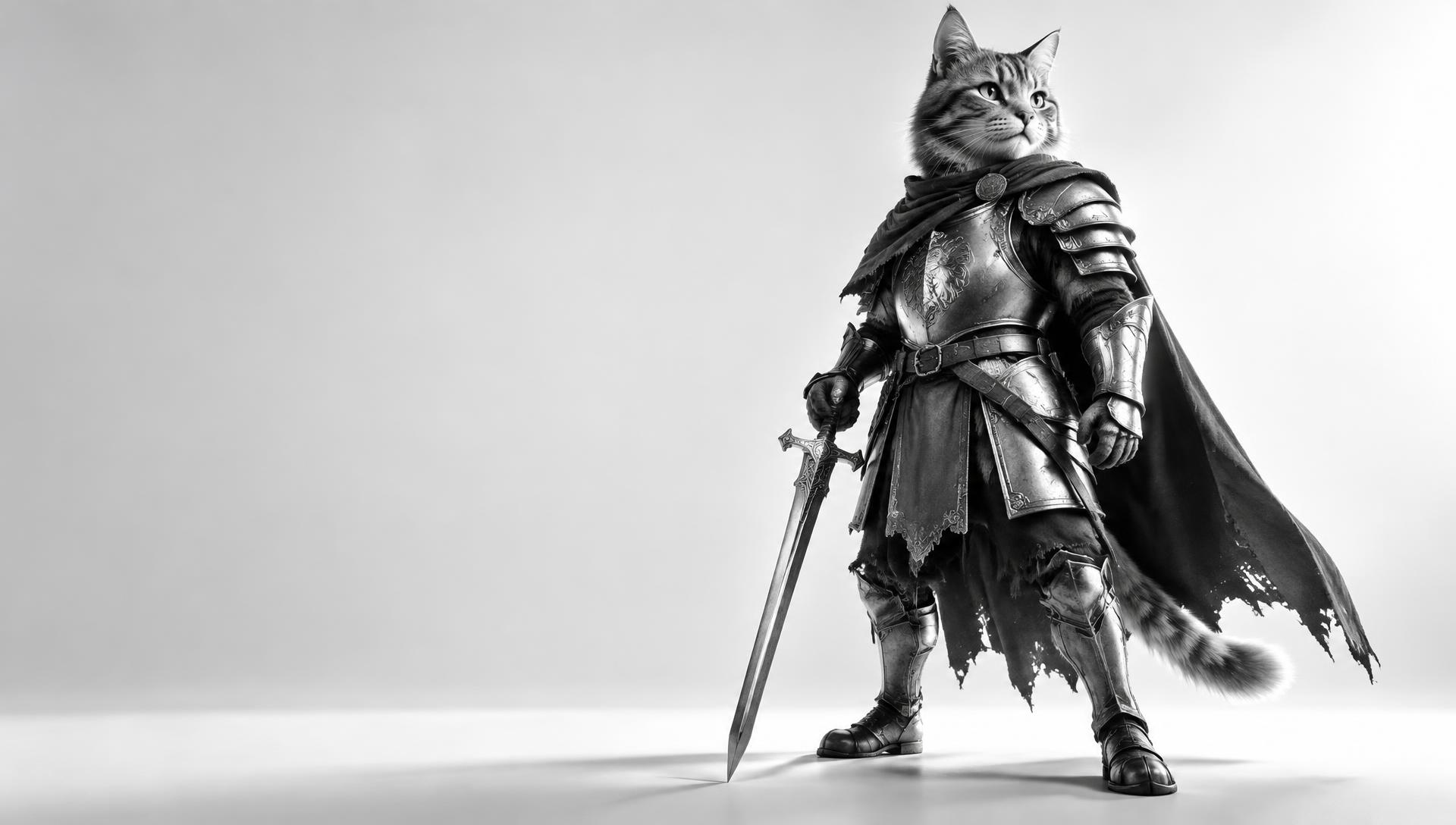
The cat knight example model is loaded and ready to shoot.
From model to motion in four steps.
Drop any .glb model. It's auto-sized and placed on the floor, ready to shoot.
Orbit, pan and zoom freely. Pick a 3D space: studio cove, sky, sunset, night or deep space.
Press K to save a camera position. FrewCam glides smoothly between every keyframe.
Choose 720p to 1080p, square or vertical, and download your MP4.
Example shots
One model. Endless angles.
Recorded in FrewCam with the example cat knight — no editing, straight from the studio's MP4 export.
Everything you need for the shot.
3-point, dramatic, soft and product setups. Move each light and see exactly where it sits.
Infinity cove, plain color, open sky, sunset, night and deep space with stars.
360° orbit or orbit with a close-up push-in, generated from your current view.
Scale, move, rotate and spin your model to compose the perfect shot.
Guides and light markers never show up in the final video.
No install, no account. Your model never leaves your computer.
Ready for your first take?
Try it with the cat knight, or bring your own model.